E-learning lessons
Turn a portrait and your lesson audio into a presenter video, lips in sync.
Instant AvatarLip SyncSpeech Synthesis
Steps
How it works
Three steps in Instant Avatar, right in your browser.
- 01
Choose a presenter
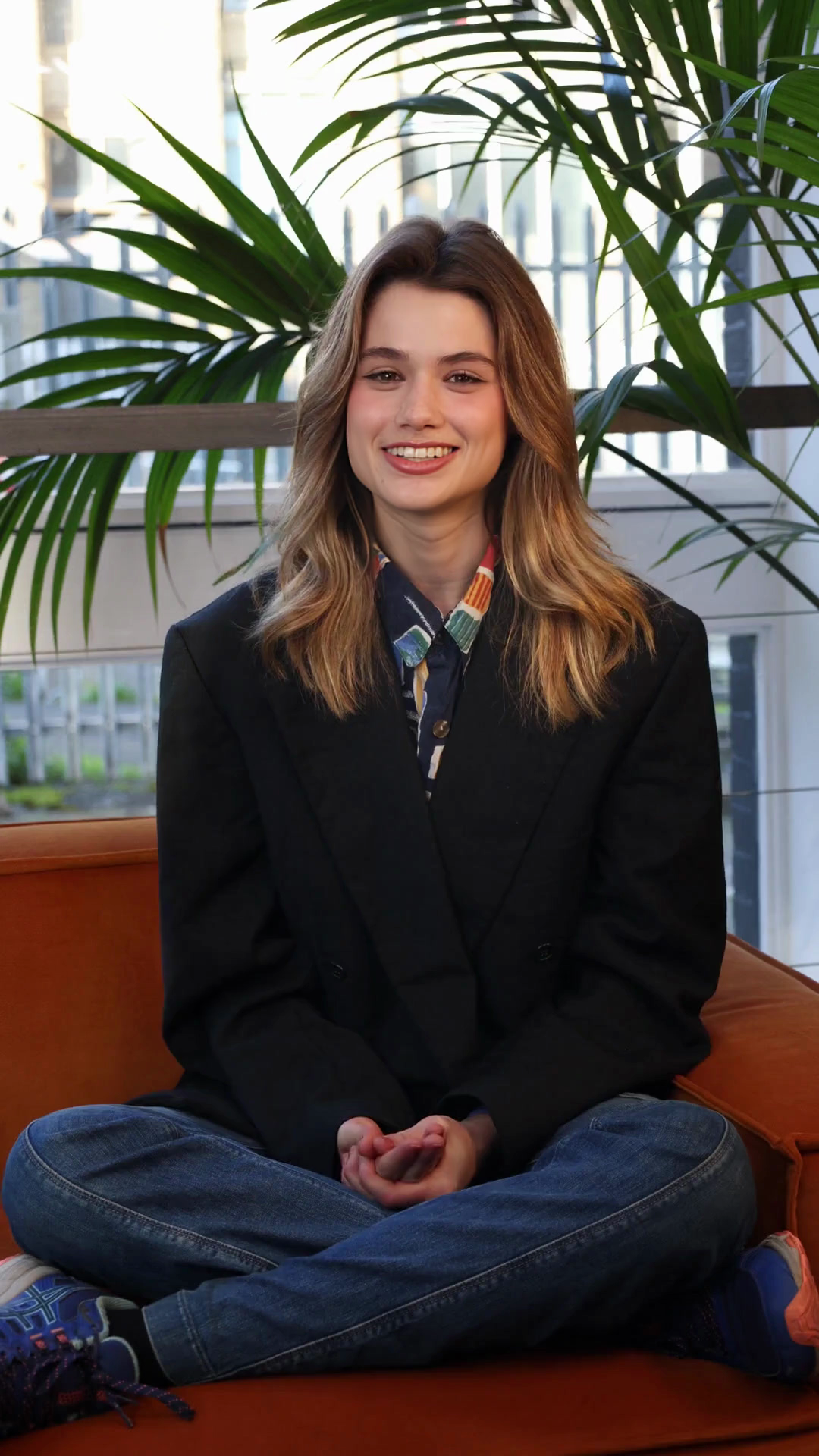
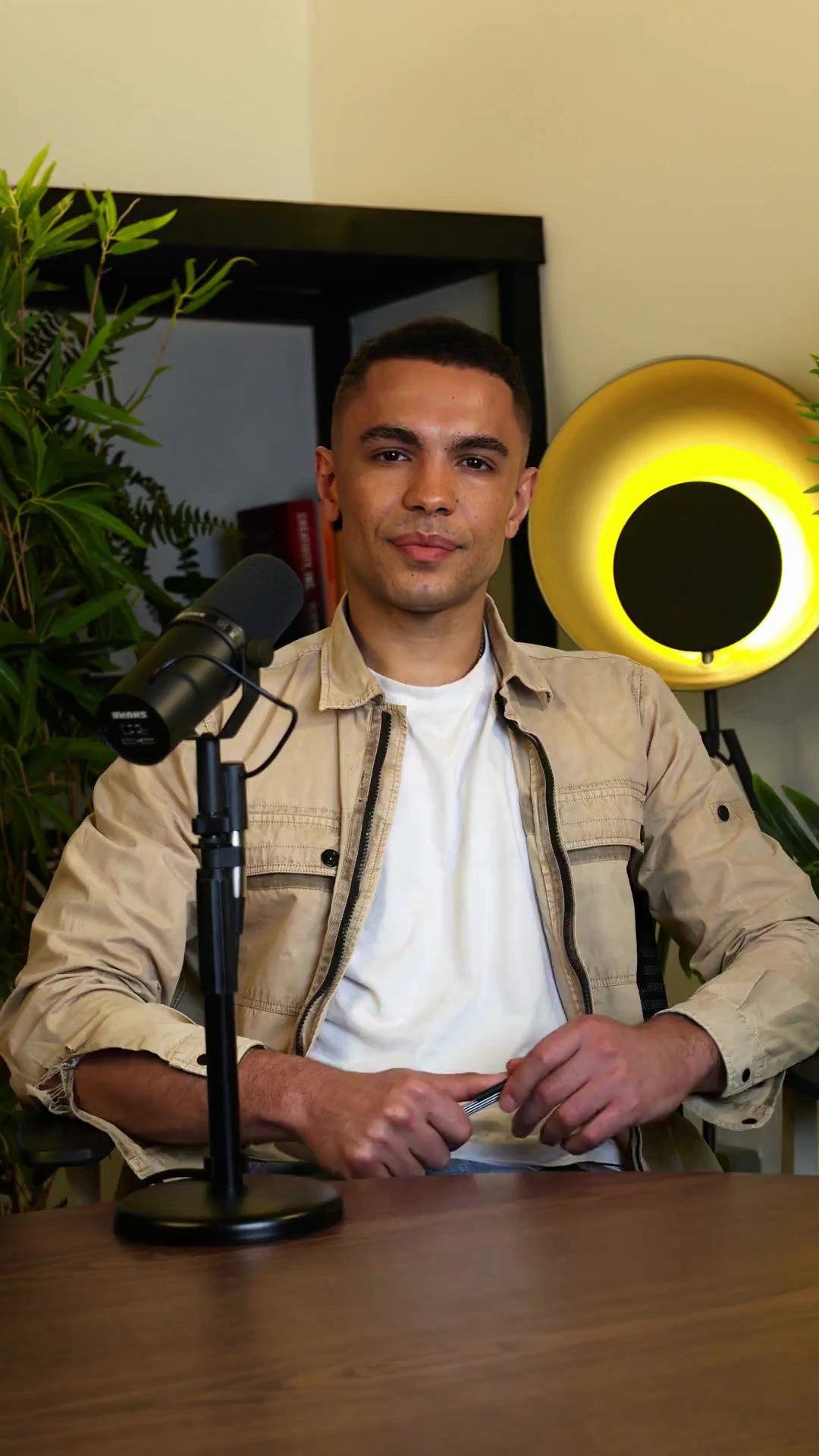
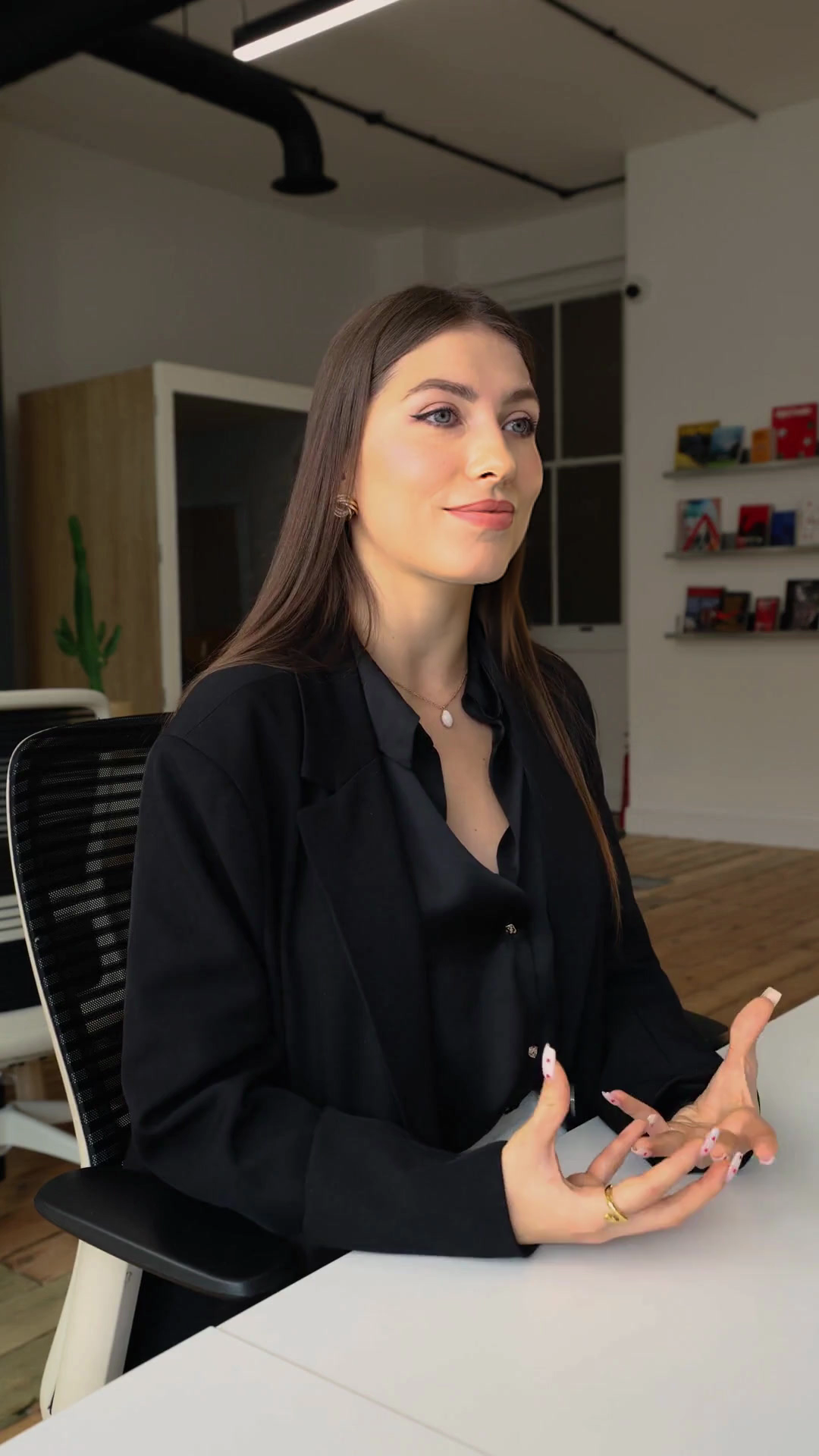
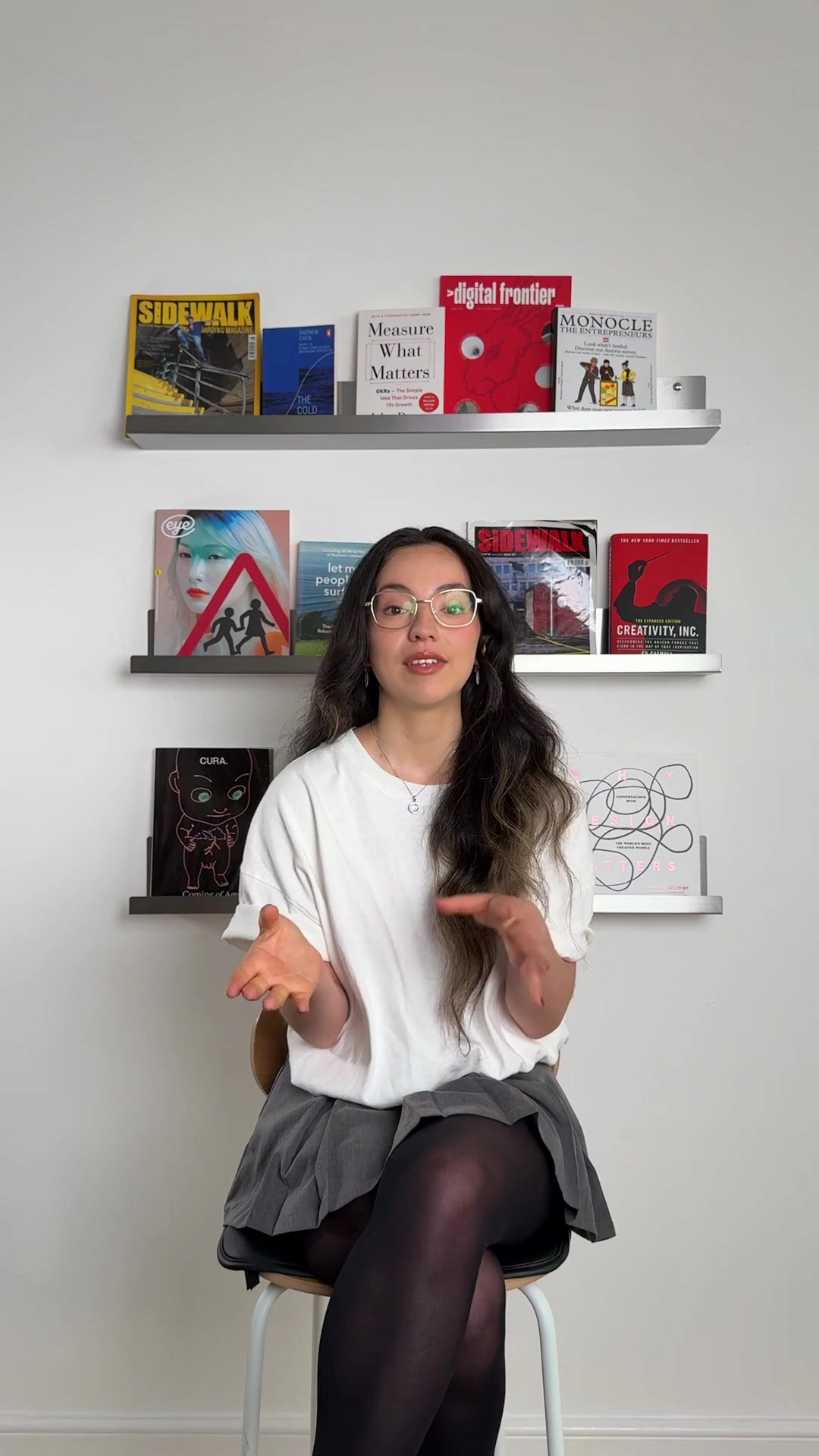
Pick a ready-made avatar, or upload your own portrait.
- 02
Pick a model, add the narration
Pick a model by quality and credits per second (Nhồng, Khướu and Chích Choè take up to 30 seconds of audio), then upload the narration: recorded yourself, or made first in Speech Synthesis. The maximum video length depends on your plan.
- 03
Create and download
Create the video. It renders in the background and lands in your history, ready to watch, download and drop into your lesson.
What you can make